Chrome’s AI-powered Autofill can now search your Gmail to complete forms
Most of us know the routine. You’re partway through an online check-in or a returns form, and the page asks for a confirmation number you don’t remember. You open a new tab, search your inbox, find the right email, copy the code, and go back, assuming the form hasn’t timed out. Google now wants Chrome to take care of that step for you.
Google is rolling out an update to its Chrome browser that uses AI to boost its autofill capabilities. The company announced on Wednesday that Chrome will gain a more advanced form of autofill, one that helps users complete online forms using suggestions drawn from their Gmail.
What enhanced autofill actually does
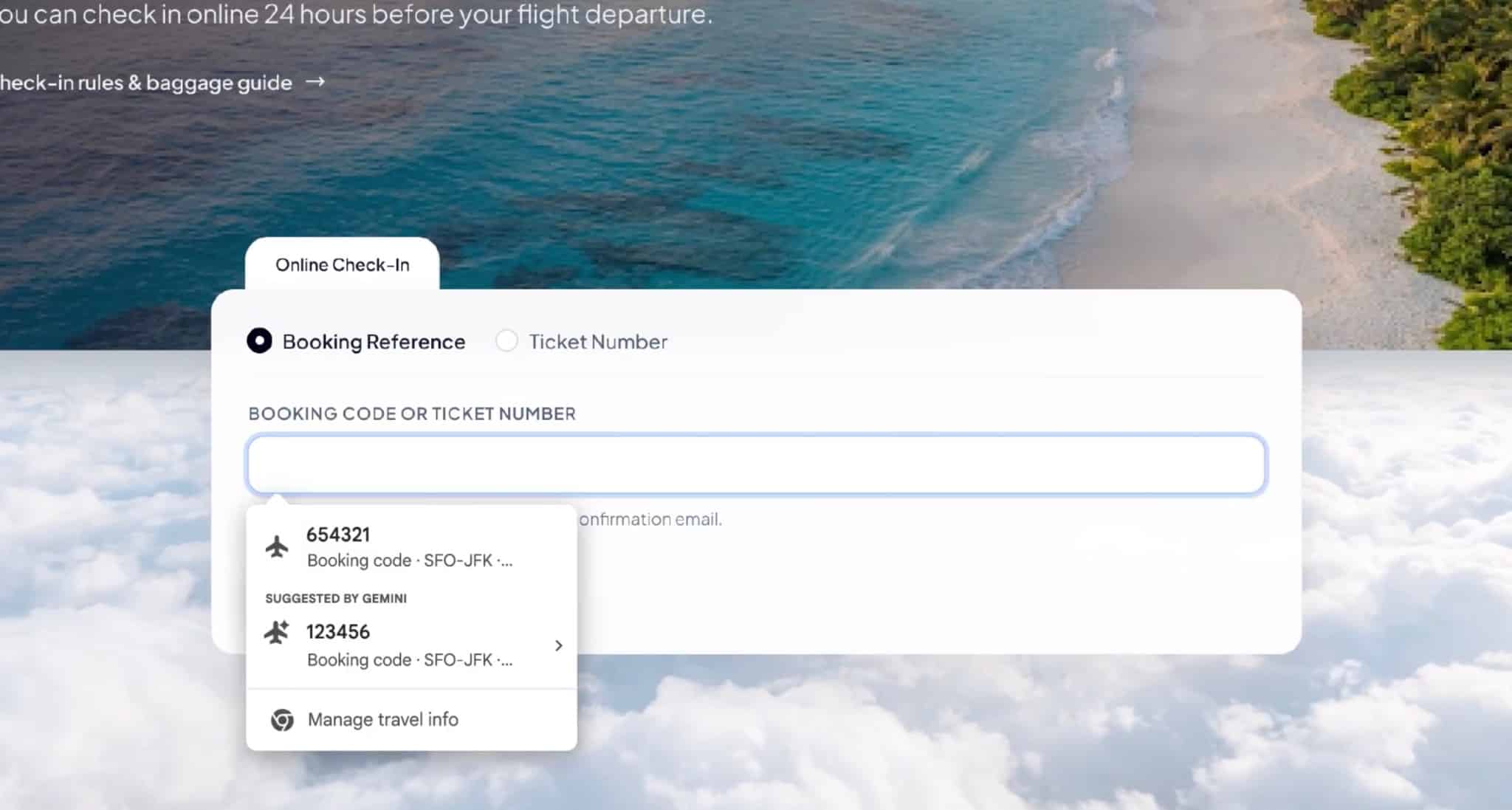
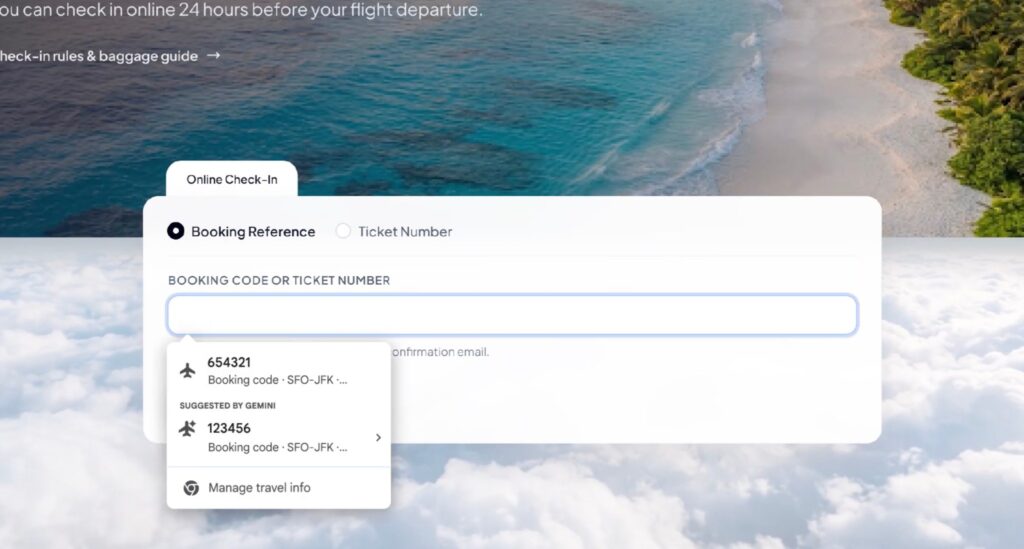
In practice, Chrome could surface details you might need, such as a flight confirmation number, membership ID, tracking information, order number, address, phone number, or credit card number, by checking your email.
That is a significant change from how autofill has traditionally worked. Standard Chrome autofill only draws on information you have deliberately saved, such as a home address, a phone number, or a stored card. This new version goes further. It can search data held in Google apps to fill in fields with information you never manually stored in Chrome, including one-off details like a booking reference you would never think to save. piunikawebandroidauthority
How it works in practice
Google has been testing the feature for several months. In Chrome Canary, the browser’s experimental build, it appeared under the name “Find and Fill with Gemini,” letting users pull information from Gmail, Photos, and other connected apps without leaving the page. windowsreport
In those test versions, the feature could be triggered by typing “@@” into a text field, and a new Enhanced autofill page in Chrome’s settings let users switch it off or change that shortcut. The first time someone used it, Chrome showed a prompt explaining that it runs on Personal Intelligence with Gemini. The goal is simple: instead of you switching tabs, digging through Gmail, and copying details back into the form, Gemini does the searching and suggests what should go in the field. chrome tests ai powered autofill that pulls data from gmail and photos to fill forms automatically 28795 +3
Built on Google’s Personal Intelligence
The update builds on Google’s Personal Intelligence, which already lets users link their Google Apps to Gemini, the company’s AI assistant, so it can pull specific details and use them to answer complex questions.
Personal Intelligence first launched as a benefit for paying Google AI subscribers before reaching free users in March. Bringing it into the browser shifts where it shows up. Until now, getting the most out of Personal Intelligence meant asking Gemini directly. With enhanced autofill, the same capability appears at the moment you need it, inside the form field, without opening a chatbot or writing a prompt. Google appears to be following that approach more broadly, placing AI inside familiar tools rather than asking people to change how they work. androidauthority
The latest step in a longer autofill push
This isn’t Chrome’s first autofill upgrade in the past year. In October 2025, Google expanded enhanced autofill on desktop to cover passport and driver’s license numbers, vehicle details such as license plates and VINs, and other identification information. The browser asks for confirmation before filling in that saved information. Pulling details from Gmail is the logical next step: rather than relying only on what you choose to store, Chrome can now draw on what’s already in your inbox. channelnewschannelnews
A small feature with a strategic purpose
While it may seem like a small change, the update could make Chrome more convenient, potentially giving users one more reason to stick with Google’s browser and remain within its AI ecosystem. It recalls one of Apple’s most popular features: automatically detecting verification codes sent by text and showing them above the keyboard so users can enter them with a single tap.
The comparison is useful. Apple’s code autofill was never a headline feature, yet it became one of those conveniences people notice most when it’s missing, the kind of small advantage that makes switching platforms feel like a step backward. Google seems to be aiming for a similar effect. The more Chrome understands about your bookings, deliveries, and accounts, the more effort it takes to leave, whether for a rival browser or a competing AI assistant.
That matters as competition intensifies. Google has been adding features to Chrome as new AI browsers compete for users, and it has an interest in showing that the browser most people already use can keep pace. Sparing people from opening a new tab to find a confirmation number is a practical example of AI being helpful rather than just impressive. channelnews
The privacy question
Not everyone will be comfortable with the idea of their browser reading their email. Inboxes often hold some of the most personal information people have, from travel plans and purchase history to bank notifications and medical appointments.
As with other Personal Intelligence features, users can choose whether to turn on enhanced autofill through their Chrome settings. Google says sensitive data is encrypted.
There are other details worth knowing. During testing, Chrome said page titles and URLs may be sent to Google when the tool is used, while Google stated that the information Gemini enters into forms is not seen by people and is not used to train its AI models. More broadly, Google’s support documentation notes that when you visit a site with a form while enhanced autofill is on, the site’s URL and content may be shared with Google to improve suggestions. piunikawebscour
Making the feature optional matters, and enhanced autofill has been switched off by default, so users decide whether the convenience is worth it. Some will consider it a reasonable trade, particularly since Gmail already stores this information within Google’s systems. Others may want more clarity on how suggestions are generated before opting in. scour
Should you turn it on?
The answer depends on how you use your browser and how much you already rely on Google’s services. A few things to consider:
- It’s most useful if Gmail is your main inbox for bookings and orders. Frequent travelers, online shoppers, and anyone managing lots of memberships or deliveries will probably benefit most.
- Check which apps are connected. The feature draws on the Google apps you’ve linked to Personal Intelligence, so review those connections and remove any you don’t want included.
- Be cautious on shared devices. On a family or work computer signed in to your Google account, anyone using the browser could potentially see suggestions pulled from your email.
- Double-check before you submit. AI suggestions can occasionally be wrong, such as an old address or a confirmation number from a previous trip, so confirm each field before sending a form.
- You can change your mind. If the feature feels too intrusive, you can turn it off again from Chrome’s autofill settings.